In this guide
Step 1 — Check the Travel Lock First
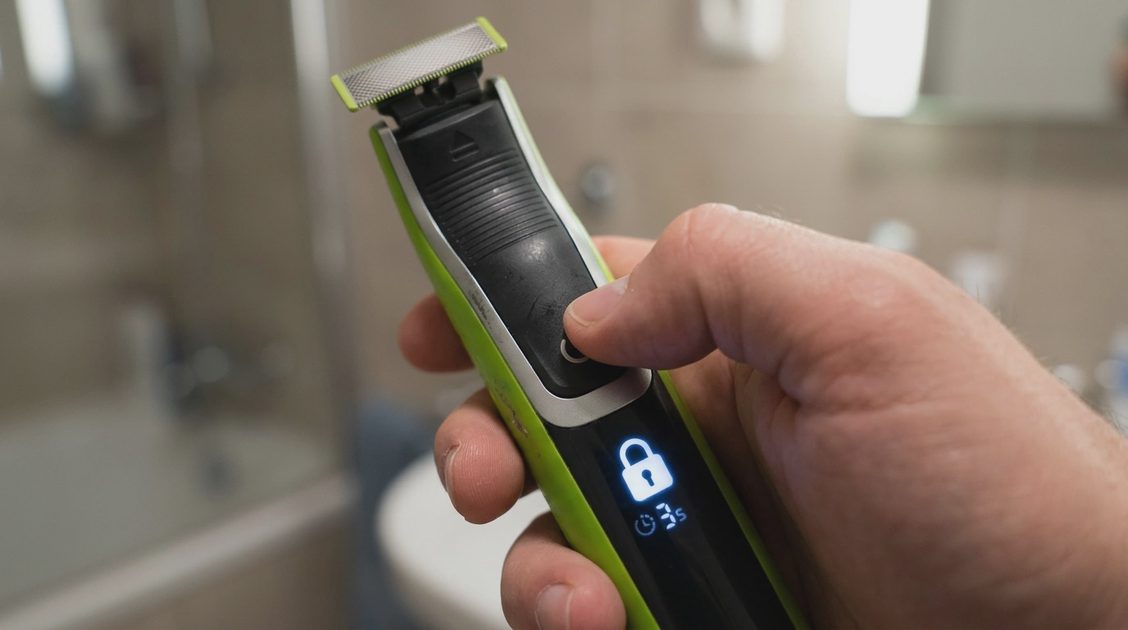
Philips’ official troubleshooting guidance puts the travel lock at the top of the list for a reason: it is the most common cause of a OneBlade that will not turn on. Some models have a travel lock that engages automatically or after a button combination; when active, the power button does nothing. Press and hold the on/off button for 3 seconds to deactivate it. If your model has a digital display, a padlock symbol confirms the lock is on.
Step 2 — Charge Correctly
For safety reasons, the OneBlade is designed to run cordless only; it will not operate while plugged in. If it does not turn on after unplugging, charge it properly: switch it off, insert the charging cable into the socket at the bottom, and plug the original Philips adapter into a 120V AC outlet. A third-party charger with the wrong output can fail to charge the handle even if the light comes on. Let it charge for a full cycle before judging; a partially charged handle may spin weakly or stop under load.
Step 3 — Inspect and Clean the Blade
If the handle powers on but cuts poorly or stops under pressure, the blade is likely clogged with hair or worn. Remove the blade and rinse or soak it in lukewarm water until the hair and residue are gone. Do not tap the blade against the sink or a hard surface; that damages the cutting edge. If the blade looks bent, rusted, or visibly worn, replace it. A dull blade pulls hair instead of cutting it and can cause irritation.
Replacement intervals vary with use. Philips recommends about every four months under typical usage assumptions, but a daily shaver will need blades sooner and a weekly trimmer may go longer. If a new blade fixes the problem, the handle is fine.
When to Stop and Request Service
Stop troubleshooting and contact Philips support if:
The handle does not respond to a 3-second power-button hold after a full charge.
The charging port or cable shows damage, heat, or swelling.
The blade has been replaced and the unit still fails to run.
The handle has been dropped or exposed to water beyond its rated rinse resistance.
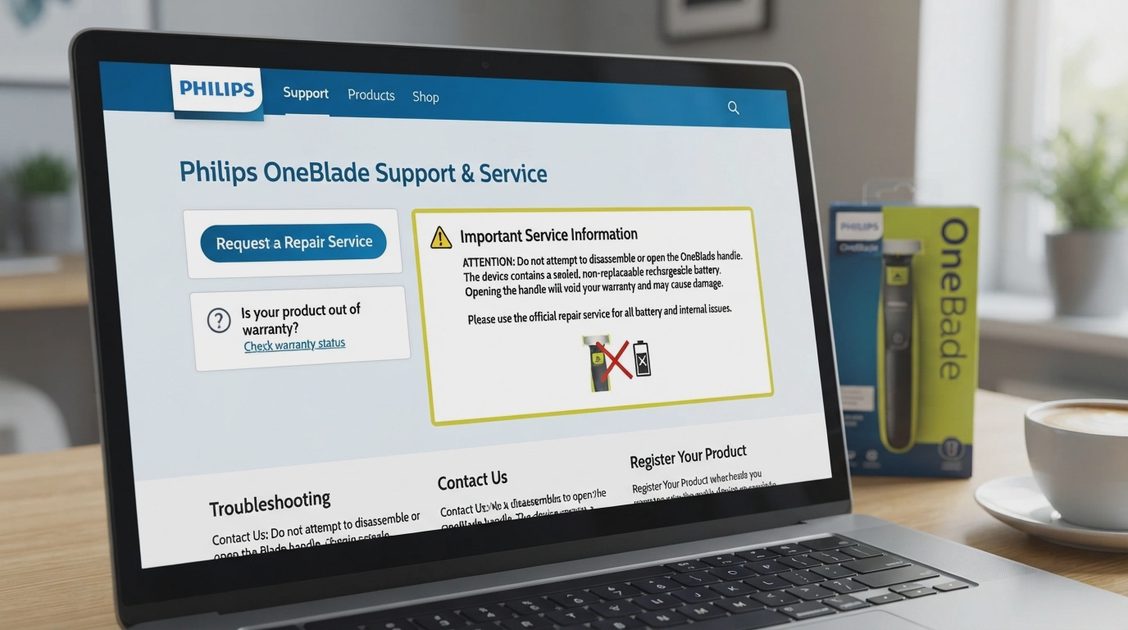
Do not open the handle. The battery and motor are not user-serviceable, and opening the sealed body creates a safety risk and voids the warranty. Philips’ official guidance directs users to request a repair or exchange when the basic steps fail.
FAQ
Why won’t my OneBlade turn on?
Check the travel lock first: hold the power button for 3 seconds. If a padlock icon is visible on models with a display, the lock is active. Then charge with the original adapter — the OneBlade does not run while plugged in.
How long does a OneBlade take to charge?
Charge time varies by model; judge the result after a full cycle, not after a few minutes. Use the original Philips adapter and a 120V outlet for the intended charging behavior.
Can I use the OneBlade while it is charging?
No. For safety reasons, the OneBlade is cordless-only and will not operate while plugged into a socket.
How often should I replace the OneBlade blade?
Philips’ stated assumption is about every four months, but real-world life depends on shaving frequency and hair thickness. Replace sooner if the blade pulls, rusts, or visibly wears.
PL Tech Hub is independent and not affiliated with Philips. Troubleshooting steps prioritize official Philips guidance. Do not attempt repairs involving the battery, motor, or charging port; contact support for in-warranty service.